Fast clock in and out
A focused mobile experience minimizes taps while clearly showing the active clock state.

Give employees a focused clock-in experience and managers a clear record of hours, job context, notes, open entries, and approved corrections.
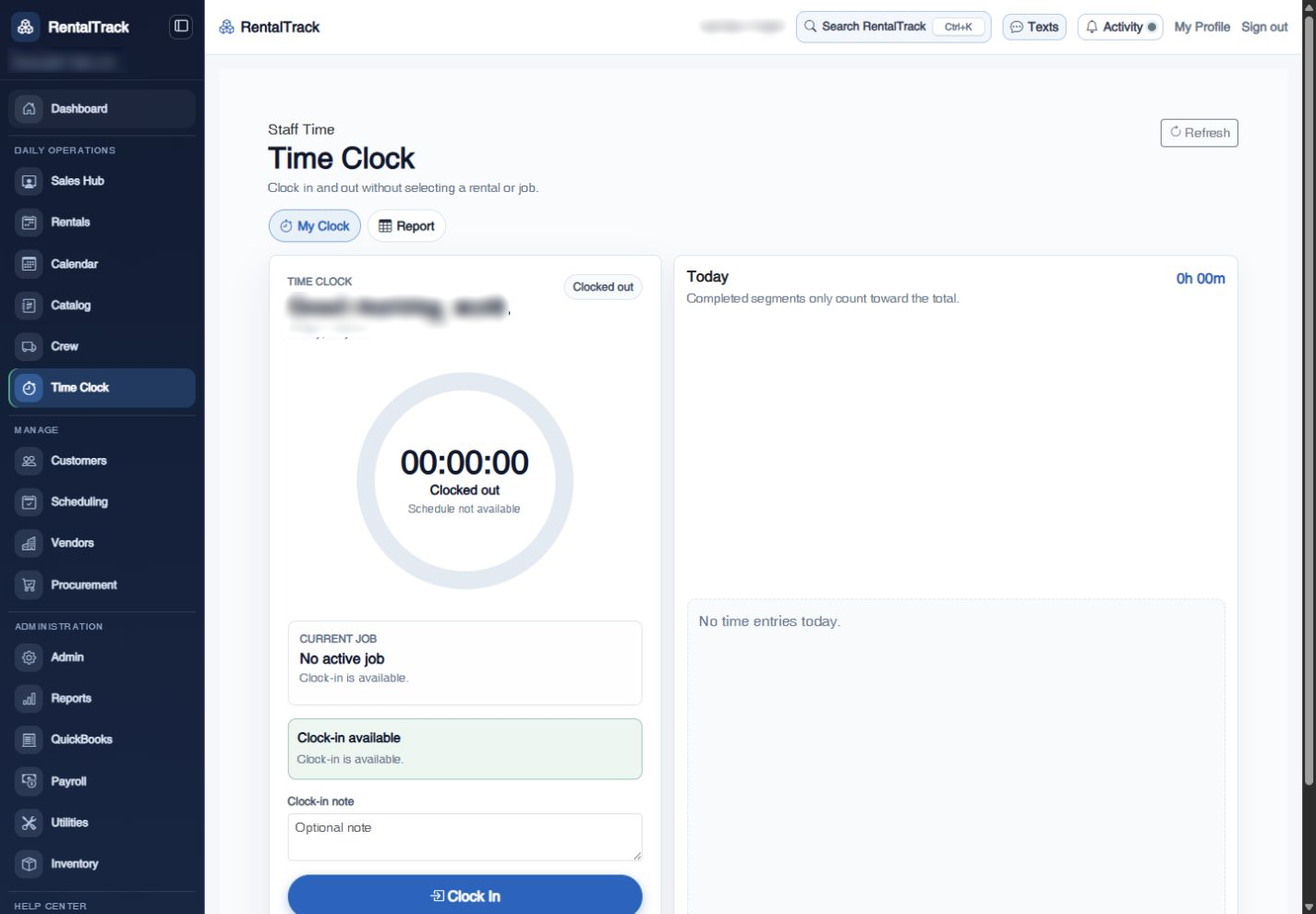
The clock is focused enough for a jobsite and complete enough for payroll preparation. Employee, local work date, time, hours, job context, and notes stay together.
A focused mobile experience minimizes taps while clearly showing the active clock state.
Connect time to the relevant shift or rental and add notes when managers need more context.
Present employee-facing dates and times consistently in the company’s configured timezone.
Managers with the right permission can add, edit, or remove time entries through visible correction paths.
Surface clocked-in employees and incomplete records before they become payroll-day surprises.
Review employee names, dates, regular hours, overtime inputs, and notes before payroll preparation.
Manager reporting highlights open entries, unusual totals, and correction needs while preserving the detail behind each employee’s pay-period hours.
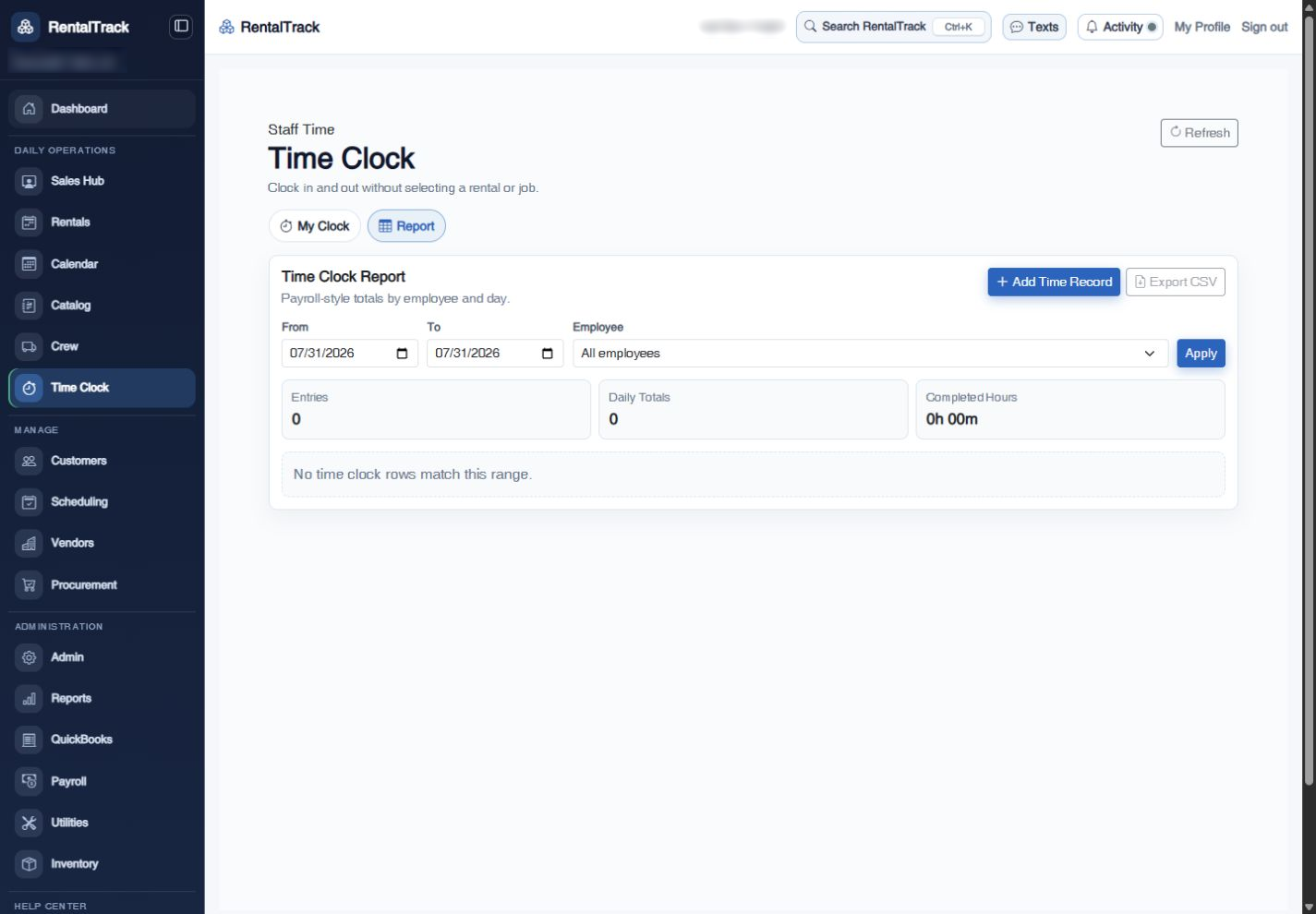
See the employee clock experience, manager corrections, reporting, and Payroll Workbench together.