Create in Draft
Build and review shifts before employees can see or respond to them.

Create event-linked shifts, use operational roles, collect employee responses, and keep each person’s relevant schedule visible inside the Crew Dashboard.
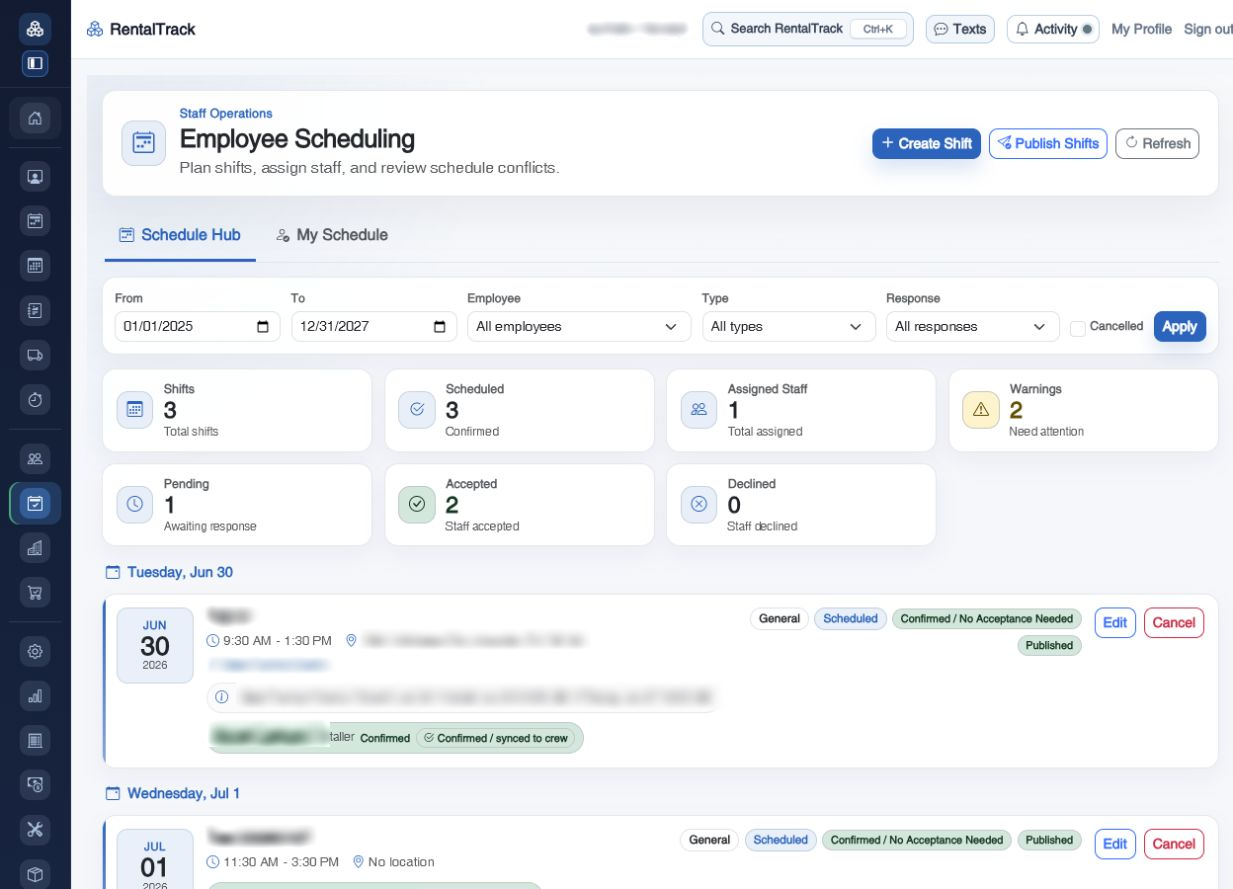
Shifts can carry the event, role, timing, acceptance requirement, and crew-sync context the operation already understands.
Build and review shifts before employees can see or respond to them.
Publish selected shifts when the plan is ready and keep stale responses from being reused.
Link shifts to booked rentals without clutter from canceled or incomplete work.
Use classifications such as lead, installer, driver, delivery, pickup, warehouse, inventory, or office.
Require responses where needed while allowing confirmed assignments for routine work.
Accepted scheduled assignments can flow into the rental crew without duplicate links.
The Crew Dashboard keeps assigned-only visibility, useful date controls, future work, status, and response actions in a mobile-first experience.
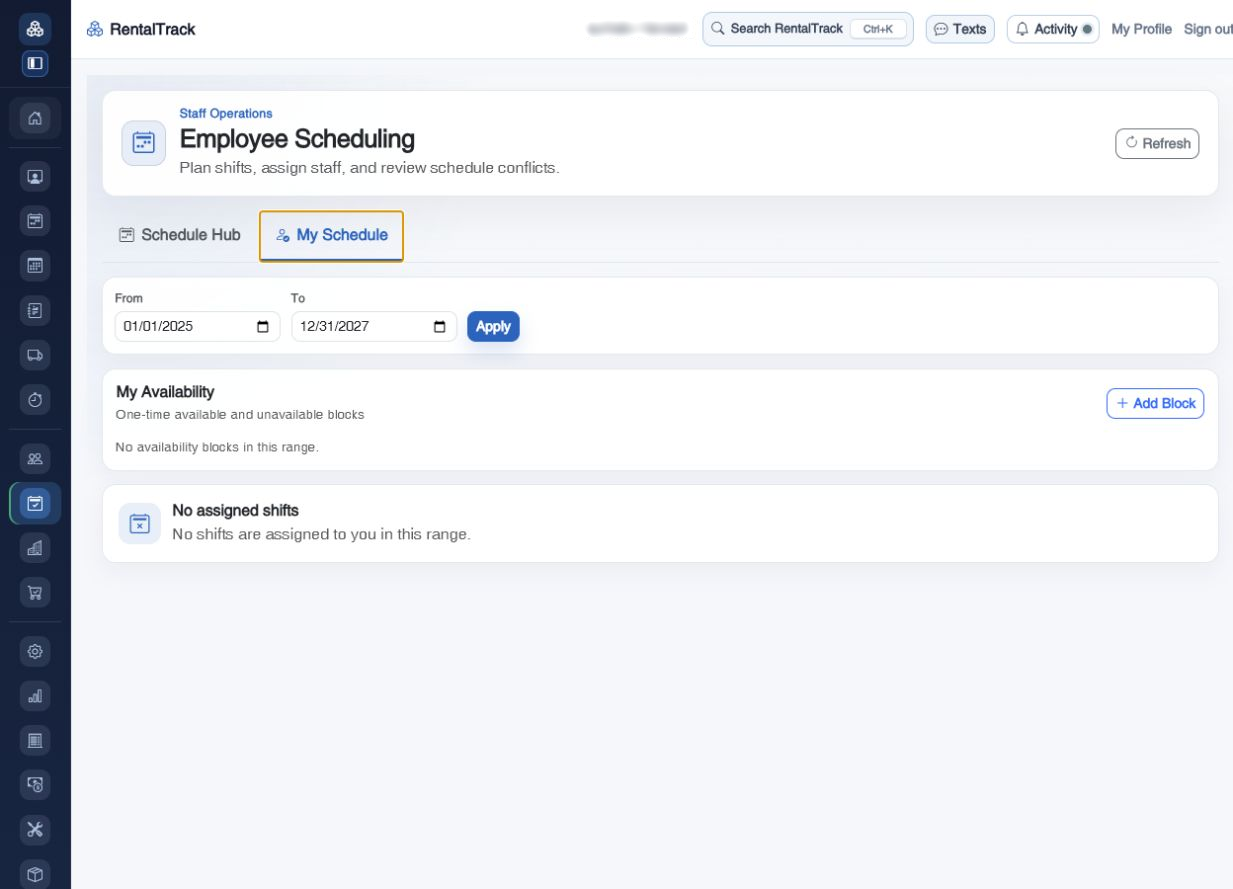
Walk through draft planning, event links, employee responses, Crew Dashboard visibility, and crew synchronization.