Operations Command Center
The dashboard now presents current metrics, rental workstreams, tasks, upcoming work, personal assignments, and alerts in one role-aware home base.

The original mockup established the design direction. These product highlights bring its messaging forward without inventing a new visual language or overstating the implementation.
The dashboard now presents current metrics, rental workstreams, tasks, upcoming work, personal assignments, and alerts in one role-aware home base.
The guided rental workspace covers customer and site details, ledger, inventory, quote, contract, invoice, delivery, checklists, procurement, return, and financial closeout.
Availability-driven sourcing, purchase orders, secure vendor responses, comments, attachments, revisions, reconciliation, and cancellation acknowledgement now form a connected workflow.
The Customer Dashboard, Crew Dashboard, Employee Scheduling, Time Clock, training, notifications, and installable browser app provide focused role-specific views.
RentalTrack combines structured workflow documentation with Standard Search and a controlled Assistant experience for supported, permission-aware, read-only knowledge and business questions.
Permission Groups, security activity, tenant-aware branding, protected configuration, notification controls, public Catalog APIs, QuickBooks workflows, and payment boundaries round out the current platform story.
The website now uses current, privacy-safe RentalTrack captures for the Operations Command Center, Rental Dashboard, Scheduling, Time Clock, Payroll Workbench, Customer Dashboard, Procurement, and Security Activity.
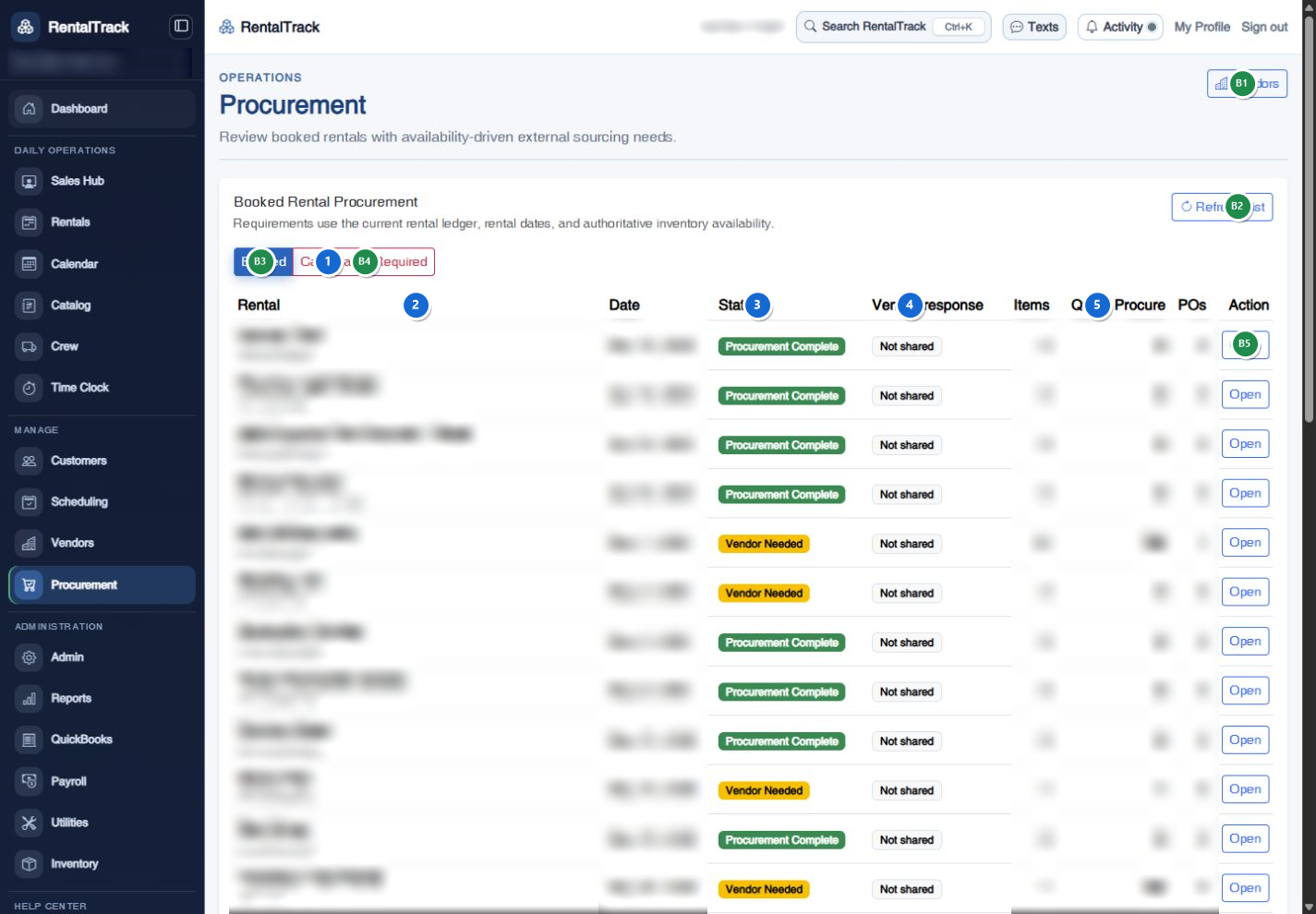
A guided walkthrough can separate what is available now, what is configurable, and what should be part of your rollout.